BriskBard 4.7 Released !
Experience the Web Like Never Before with BriskBard: The Fast and Highly Configurable PC Solution!

Image by Kalpesh Ajugia from Pixabay
In today’s digital landscape, the importance of a swift and customizable web browsing experience cannot be overstated. Enter BriskBard, the new contender in the realm of PC web browsers that promises to transform the way you navigate the internet. With its lightning-fast loading speeds and a plethora of configurable options, BriskBard is designed to cater to the diverse needs of everyday users, tech enthusiasts, and professionals alike.
One of the standout features of BriskBard is its exceptional level of configurability. Recognizing that every user has unique preferences and needs, this browser allows you to tailor your experience extensively. With a range of customizable themes, layouts, and toolbar options, you can design a browsing environment that feels truly personal.
The new BriskBard 4.7 includes the latest versions of the web rendering engines and libraries, several new features requested by the users and bug fixes.
The search box in the web browser tabs now has a history box with a list of all the terms that the user searched in that tab. For safety reasons this information is only stored in memory and each tab handles its own search history.
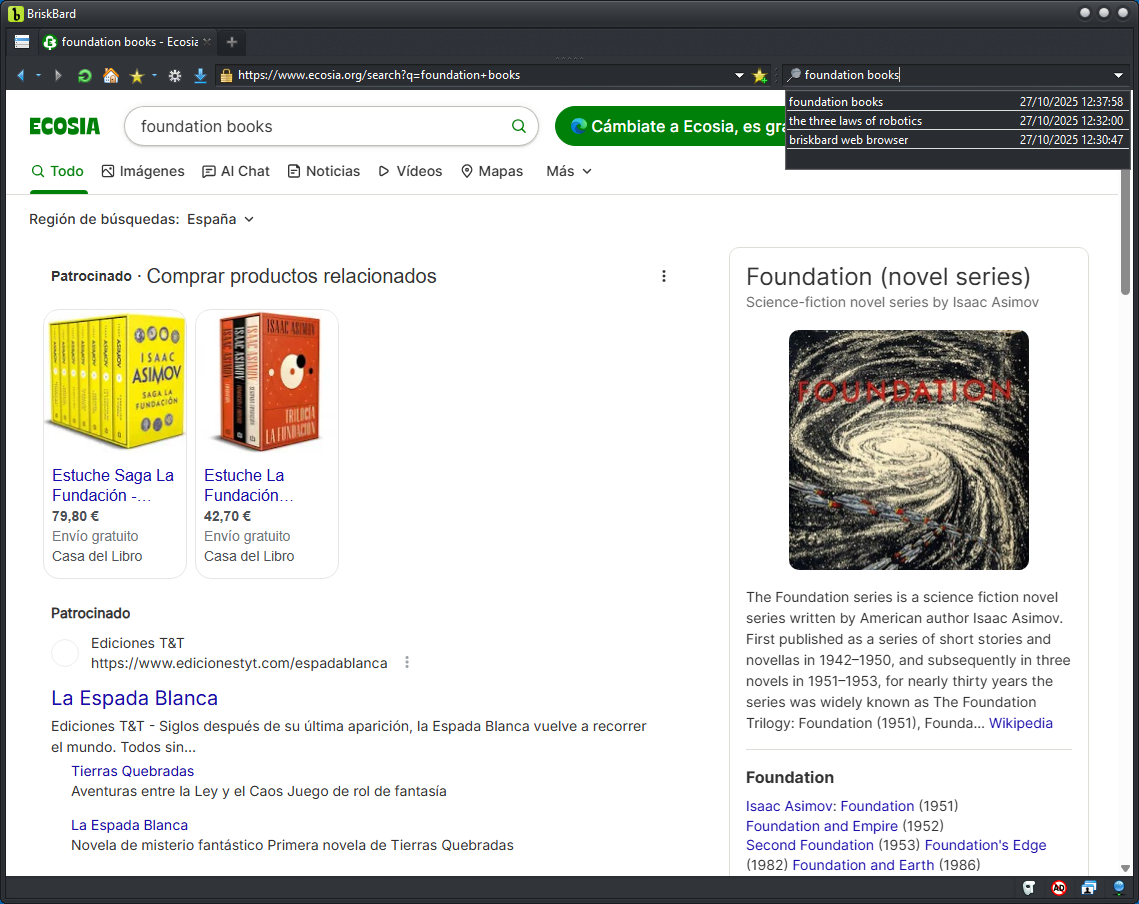
BriskBard search history
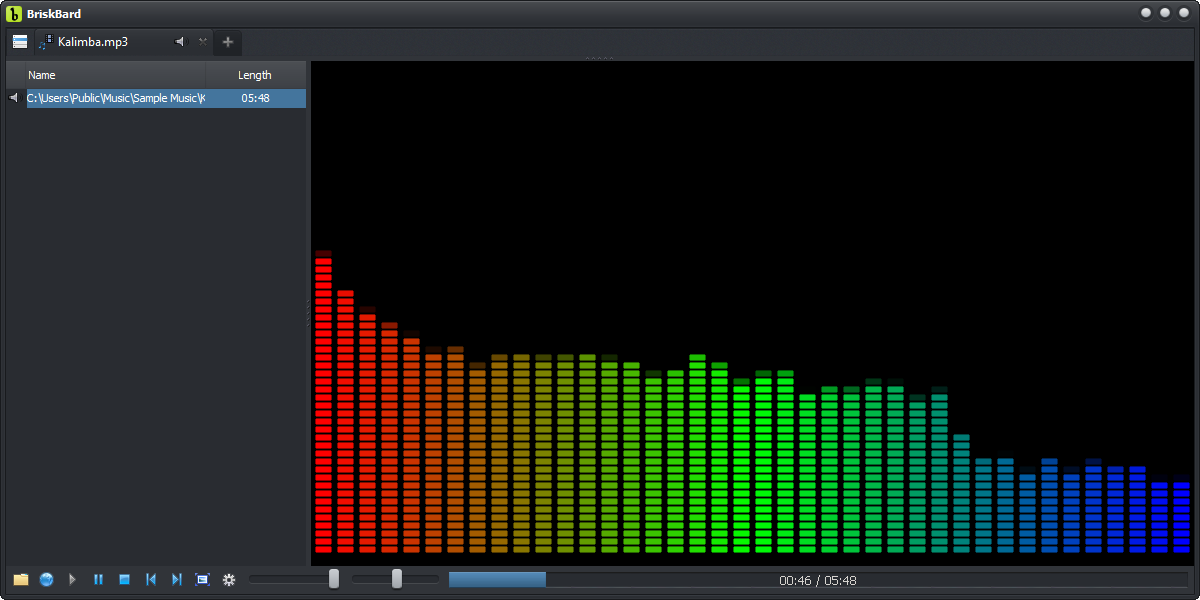
The media player tabs and the web browser tabs that use WebView2 show a new option in the context menu to mute or unmute the audio if they are playing some media.
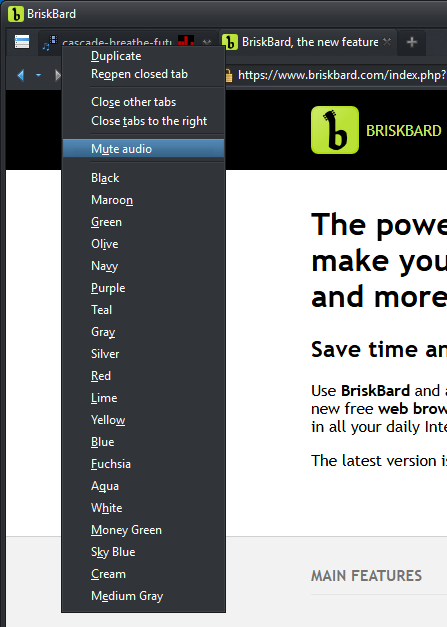
Mute option in the context menu
The web browser tabs using WebView2 now have an option to clear the general form data filled automatically.
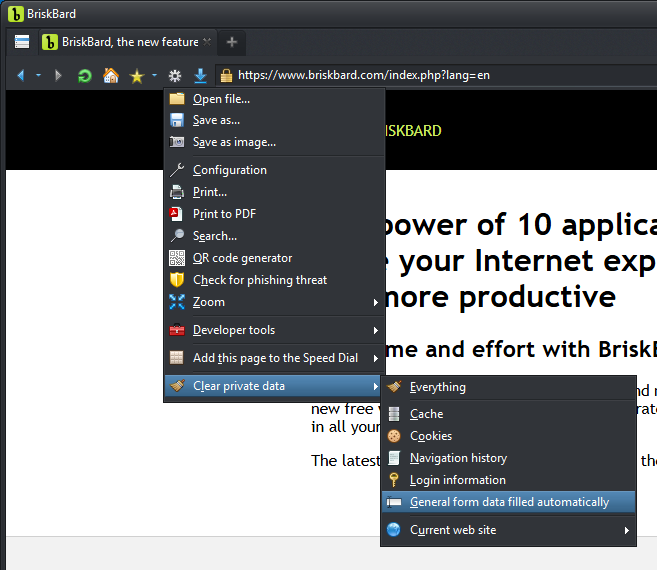
Clear the general form data filled automatically
The keyboard shortcuts have been improved and now it's possible to toggle the ad blocker easily even when the status bar is not visible by pressing Control + . <period>. Read this article for a complete list of keyboard shortcuts.
This is the complete list of changes in BriskBard 4.7 :
- The Blink rendering engine for the Chromium tabs has been upgraded to 142.0.7444.135.
- The WebView2 tabs now use the loader version 1.0.3595.46
- Added the Control+period keyboard shortcut to toggle the ad blocker.
- Added an option to delete the autofill data in web browser tabs using WebView2.
- Added an option to the tab context menu to mute the sound.
- Added a search history option in the search box.
- The Indy and Tor components have been updated to the latest versions.
- The Ad blocker server list has been updated.
- Bug fixes :
- Fixed the active stop navigation button in the speed dial.
- Show the save as dialog to download an image in web browser tabs using WebView2 only when the settings allow it.
- Don't activate tabs after a right-click.
For more information go to https://www.briskbard.com
Disclosure Statement: This site and BriskBard contains affiliate links, which means that I may receive a commision if you make a purchase using these links. As an eBay Partner, I earn from qualifying purchases.